

Elementor 4.0: The New Atomic Editor That Will Change How You Build WordPress Sites
Web Design & Development · 5 min. read
Elementor 4.0 introduces the new Atomic Editor, a modern, performance‑focused way to build WordPress sites using cleaner markup, reusable systems, and design‑system tools like Variables, Classes, and Components. Learn what’s new, how to activate the beta today, and how these changes can improve your workflow without disrupting existing sites.
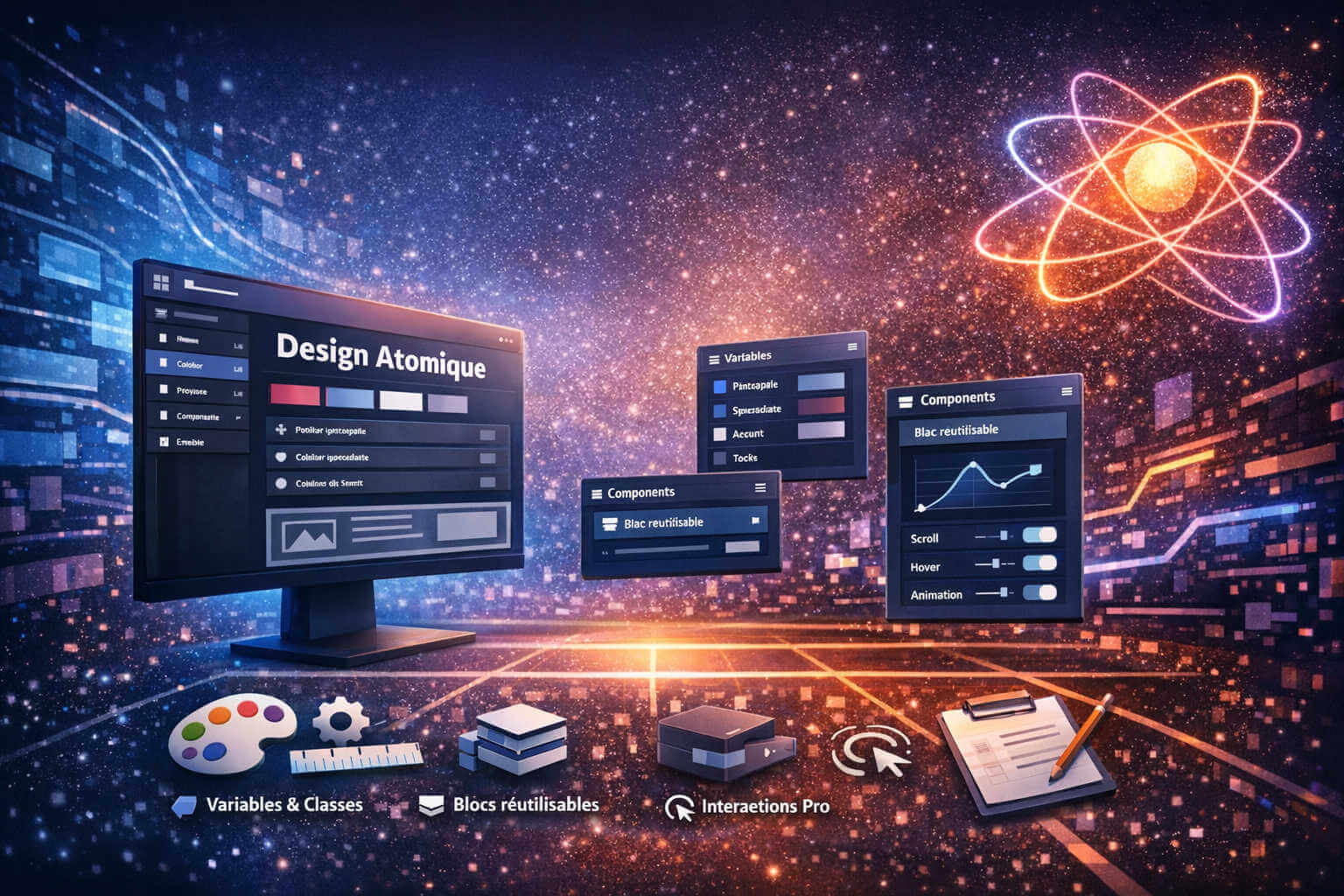
Elementor 4.0 is officially launching next week, but the excitement has already started — and for good reason. This update isn’t just another feature release. It’s a complete shift in how we build websites with WordPress.
If you’ve been following Websi.blog for a while, you know we love tools that help creators build faster, scale smarter, and keep their sites lean. Elementor 4.0 checks all those boxes with a brand‑new Atomic Editor, a modern design‑system workflow, and performance improvements baked directly into the foundation.
And the best part?
You can activate the beta version today and start using the new Atomic features before the public release.
In this guide, we’ll walk through:
- What’s new in Elementor 4.0
- Why the Atomic Editor is a big deal
- How to activate the beta version right now
- When to use Atomic Elements vs. legacy widgets
- Whether Elementor Pro is worth it for version 4
- How this update impacts bloggers, creators, and small businesses
What’s New in Elementor 4.0?
Elementor 4.0 introduces a new architecture called the Atomic Editor — a flexible, scalable, performance‑first way to build websites.
Atomic Elements (Free)
These are the new building blocks replacing the old widget‑stacking approach.
They use clean HTML output with single‑div wrappers, which means:
- Less DOM bloat
- Faster rendering
- Better Core Web Vitals
“Atomic Structure replaces brittle, widget-stacked layouts with a cleaner foundation built from smaller, flexible building blocks.”
Variables & Classes (Free)
You can now define global styling logic for:
- Colors
- Typography
- Spacing
- Sizes
This is the beginning of true design‑system workflows inside Elementor.
“Variables and Classes introduce a shared styling system for colors, spacing, typography, and more.”
Components (Pro)
This is where Elementor Pro becomes extremely valuable.
Components let you:
- Build reusable blocks
- Update them once and sync everywhere
- Control which content clients can edit
- Maintain consistent design across large sites
“Your best work becomes reusable infrastructure. Teams move faster, and handoff becomes safer.”
If you want access to Components and other advanced features, Elementor Pro unlocks the full Atomic workflow.
Pro Interactions (Pro)
A new animation engine with:
- Scroll‑based effects
- Hover and click triggers
- Custom easing
- Breakpoint‑specific motion
Atomic Forms (Pro)
Forms are now built from individual Atomic Elements, meaning:
- Multi‑column layouts
- Nesting images or content inside forms
- Cleaner markup
- More flexibility
Performance by Default
Elementor 4.0 is designed to stay fast as your site grows.
“Atomic Elements generate cleaner output with single-div wrappers, reducing bloat and keeping performance stable over time.”
How to Activate the Elementor 4.0 Beta Today
You don’t need to wait until next week.
Here’s how to enable the beta version right now:
Step 1 — Go to Version Control
In your WordPress dashboard:
Elementor → Editor → Tools → Version Control
Step 2 — Enable Beta Tester
Toggle the Beta Tester option.
Step 3 — Update to the Latest Beta
Go to:
Dashboard → Updates → Update Elementor
That’s it — you now have access to the new Atomic Editor.
“Enable the beta tester feature… update to the latest beta version.”
How the Atomic Editor Changes Your Workflow
Elementor 4.0 isn’t just a UI update — it’s a shift from building pages to building systems.
Build Faster
Once you set up Variables, Classes, and Components, you can:
- Change colors site‑wide in seconds
- Update spacing logic globally
- Reuse components across pages and projects
Scale Without Rebuilding
Your fifth site will be dramatically faster to build than your first because your design system is already in place.
“By the time you are building site number five, you can already be working significantly faster because your design system is already in place.”
Adopt Gradually
Nothing breaks. Nothing is forced.
“Nothing happens to existing layouts… Version 3 and version 4 workflows can work side by side.”
This is perfect for creators who want to modernize their workflow without rebuilding old sites.
When Should You Use Atomic Elements?
Elementor recommends:
Use Atomic Elements when:
- Starting a new site
- Creating a new page
- Building a major new section
- You want cleaner markup and better performance
Use legacy widgets when:
- You’re updating an older site
- You need a widget that doesn’t have an Atomic version yet (e.g., Grid, Loop — coming soon)
“When starting a new site, you should ideally begin with v4 Elements… you can gradually introduce Atomic Elements.”
Should You Upgrade to Elementor Pro for Version 4?
Short answer: If you want the full Atomic workflow, yes.
Elementor Pro unlocks:
- Components
- Pro Interactions
- Atomic Forms
- Size Variables
- Custom CSS
- Priority support (with Elementor One)
These features are designed for creators who want:
- Reusable systems
- Faster client delivery
- More control over styling
- Dynamic, interactive interfaces
If you’re planning to build new sites in 2026, Elementor Pro is the version 4 upgrade that makes the biggest difference.
Will Elementor 4.0 Break My Existing Site?
No.
This is one of the most important messages Elementor wants affiliates to communicate.
“Nothing happens to existing sites… No layouts break. Nothing is forced on users.”
You can activate Atomic features at your own pace.
Final Thoughts: Elementor 4.0 Is the Future of WordPress Design
Elementor 4.0 is more than a version update — it’s a new foundation for scalable, modern web creation. Whether you’re a blogger, freelancer, or agency, the Atomic Editor encourages a more thoughtful approach to building websites: one that prioritizes structure, consistency, and long‑term maintainability. Exploring Variables, Classes, and Atomic Elements is a great way to deepen your understanding of design systems and modern frontend practices. Even if you adopt these features gradually, the concepts behind them will help you build cleaner, more resilient websites for years to come.
Whether you’re a blogger, freelancer, or agency, the Atomic Editor gives you:
- Cleaner markup
- Faster workflows
- Reusable systems
- Consistent design
- Better performance
And if you want the full power of Components, Pro Interactions, and Atomic Forms, Elementor Pro is where the real magic happens.
websi